Deliver Gold-Standard Pearson Assessments in Coviu
Access digital stimulus materials and supported administration inside secure consults, maintaining clinical integrity while delivering assessments virtually.
WIAT-III A&NZ
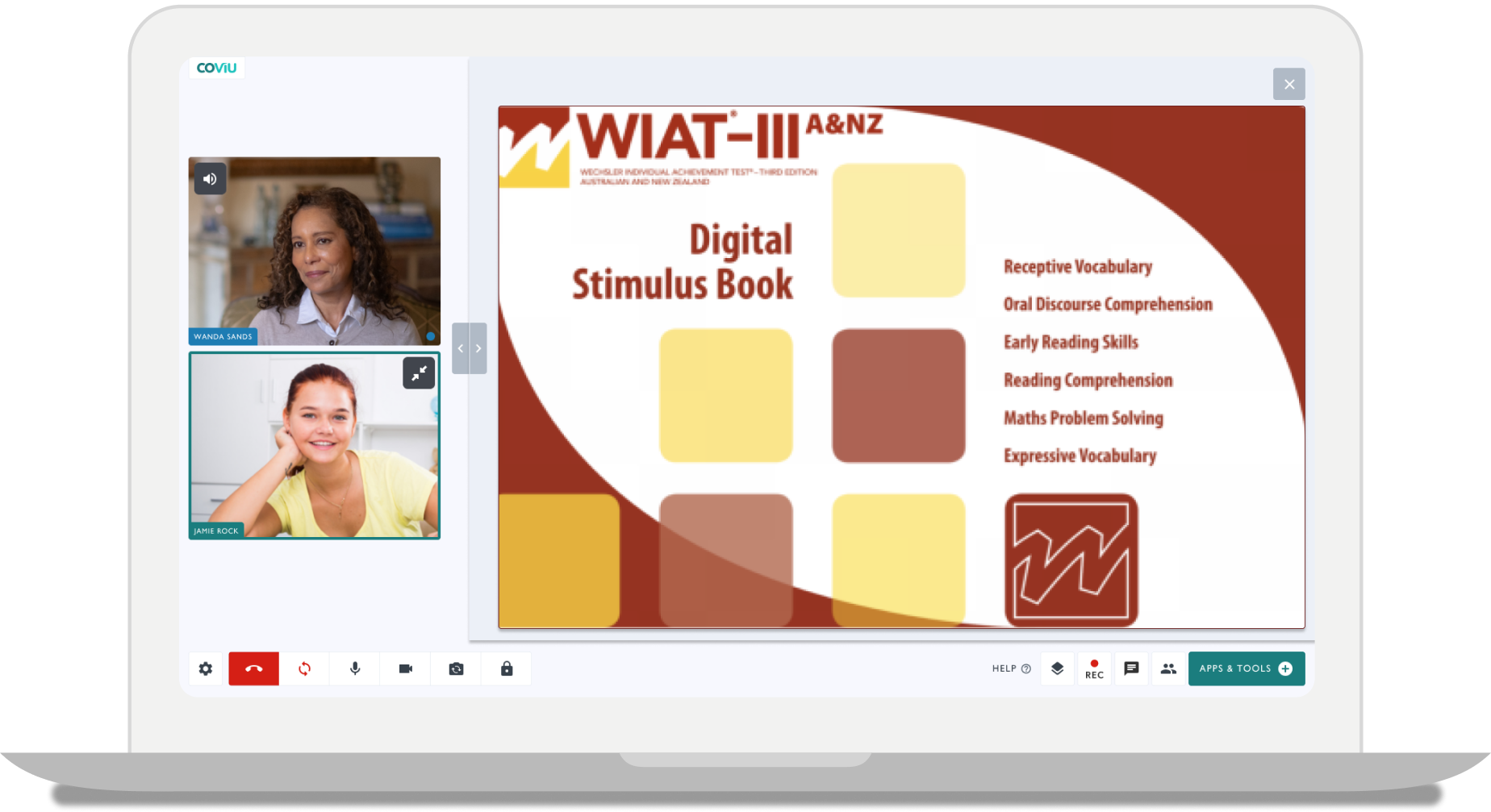
The WIAT-III A&NZ is an individually administered achievement test for use in a variety of clinical, education, and research settings.
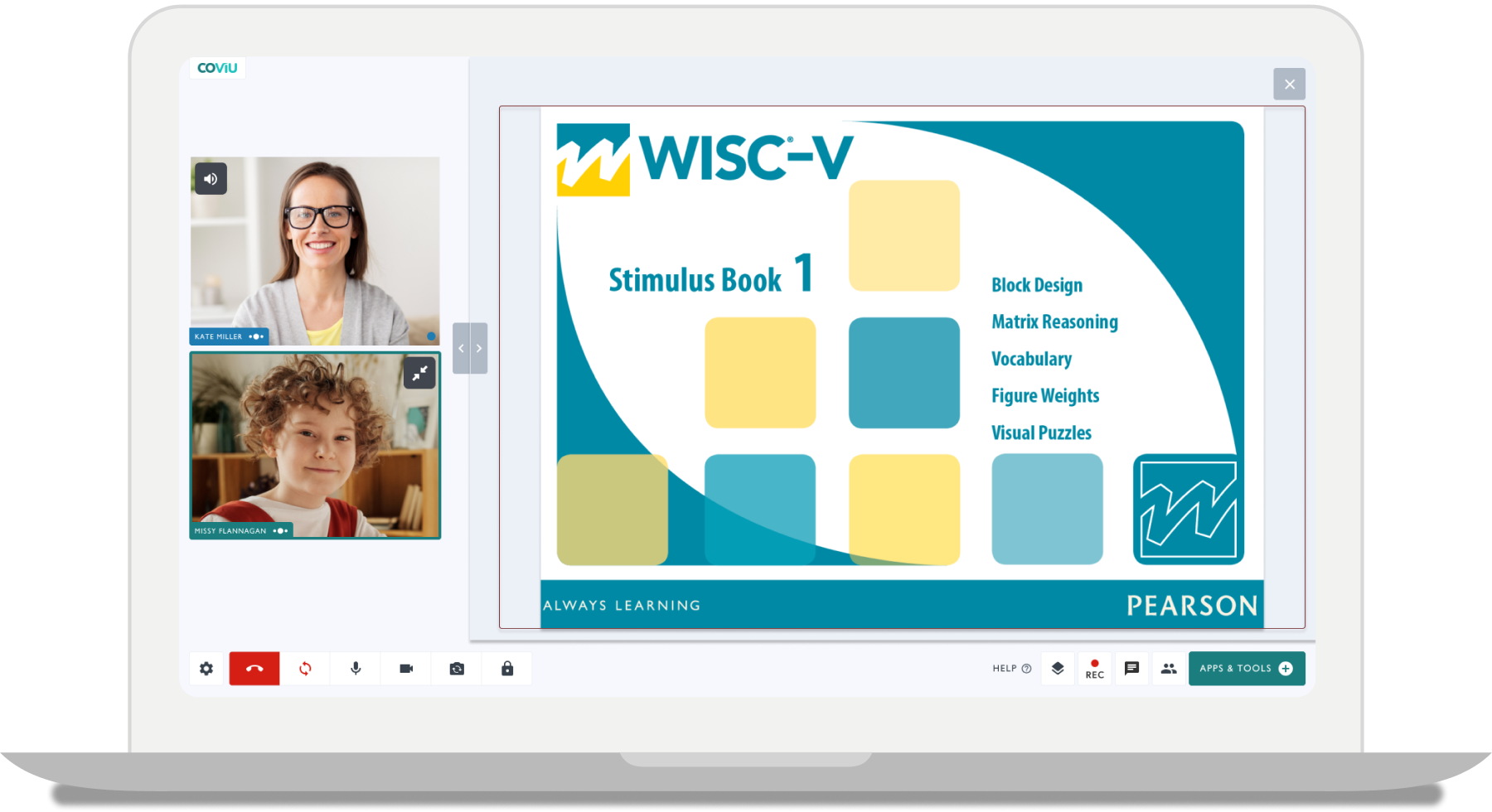
WISC-V A&NZ
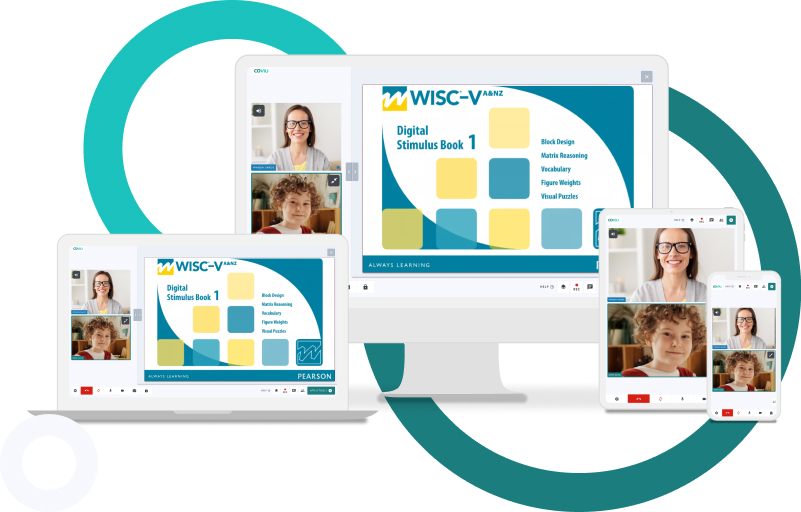
The WISC-V A&NZ allows psychologists to get a comprehensive picture of a child’s intellectual abilities.
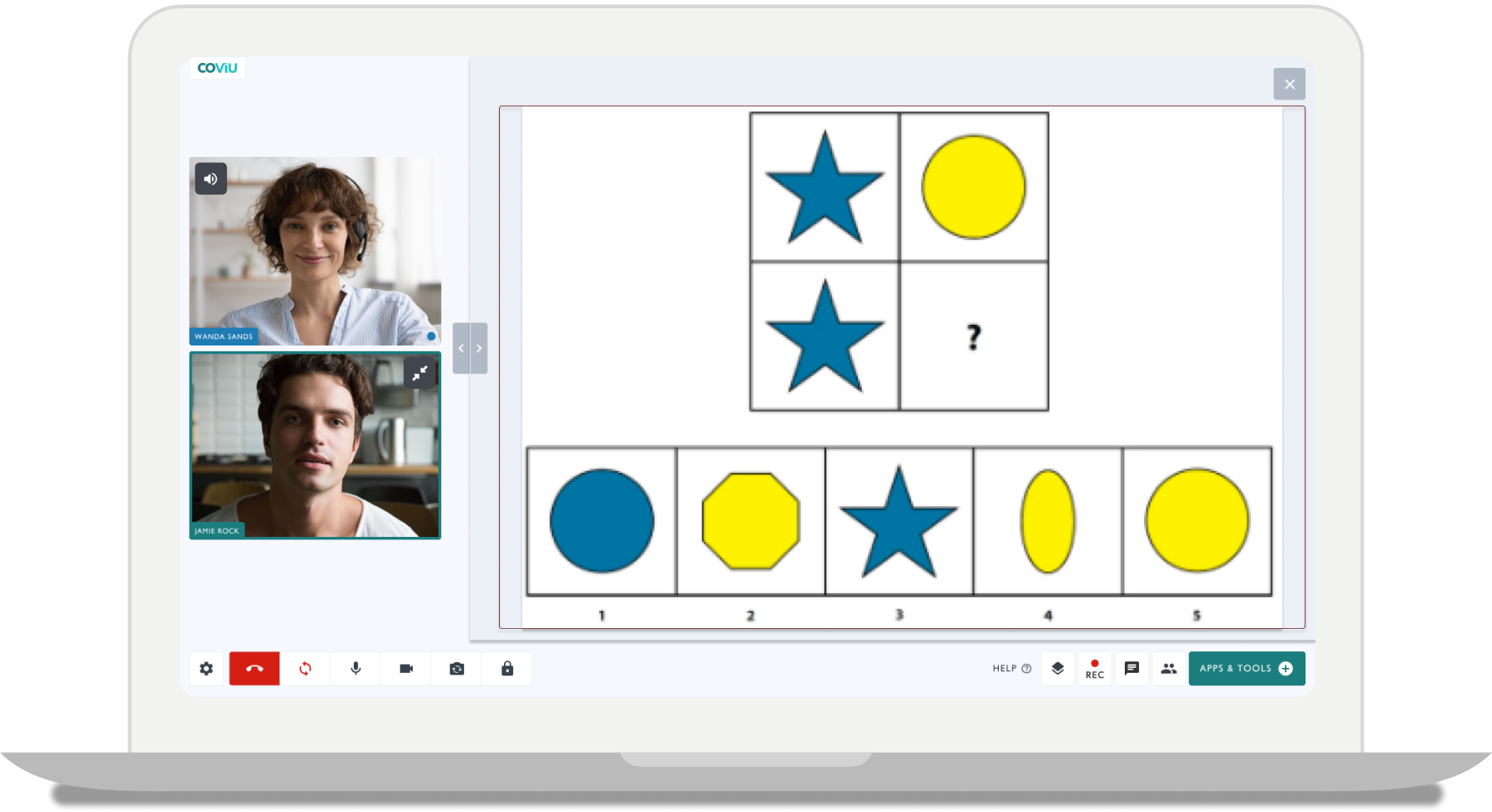
WAIS-IV
The WAIS-IV A&NZ is the industry standard test to measure adult intelligence of Australian & New Zealander students.
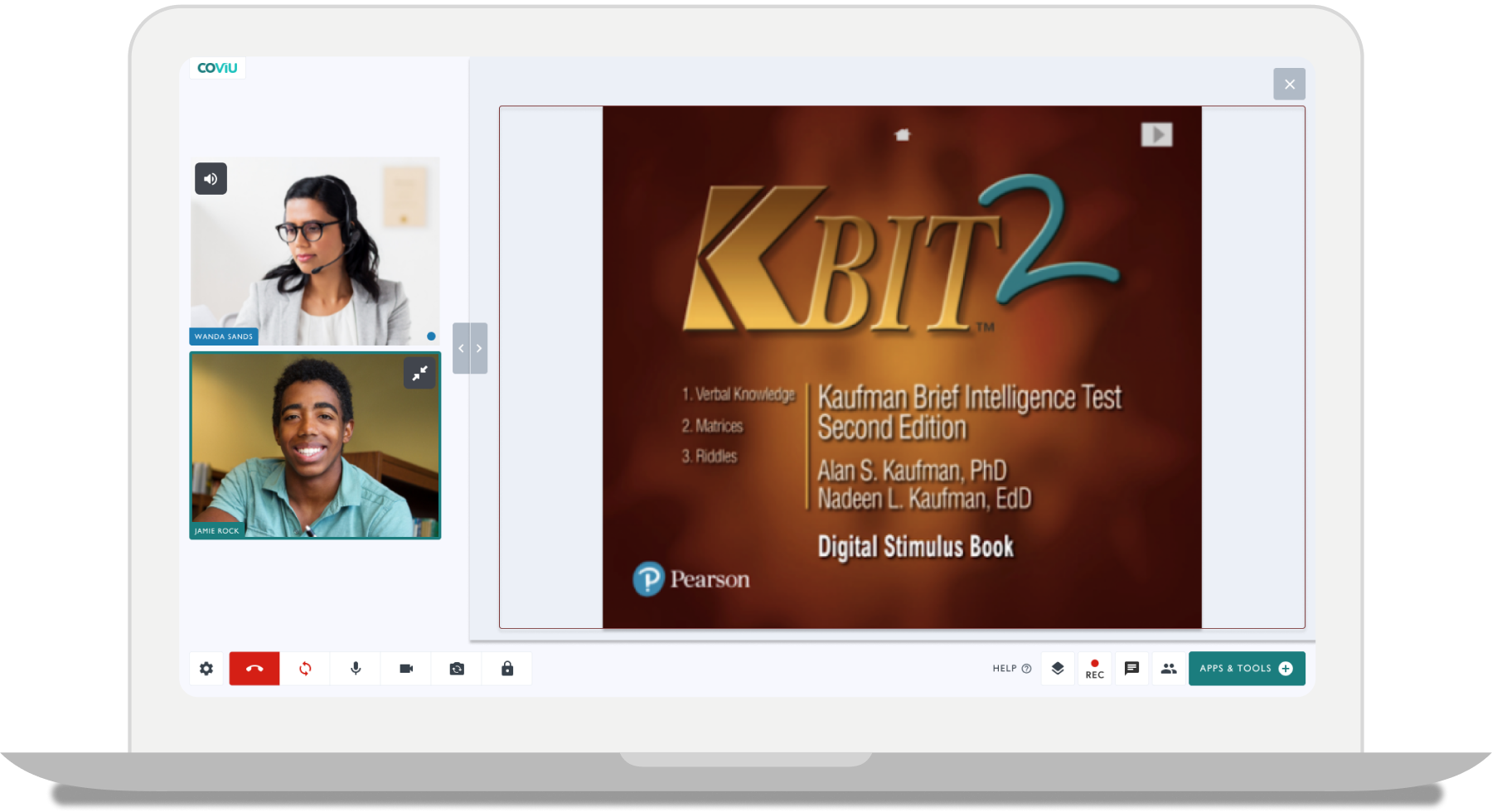
KBIT-2
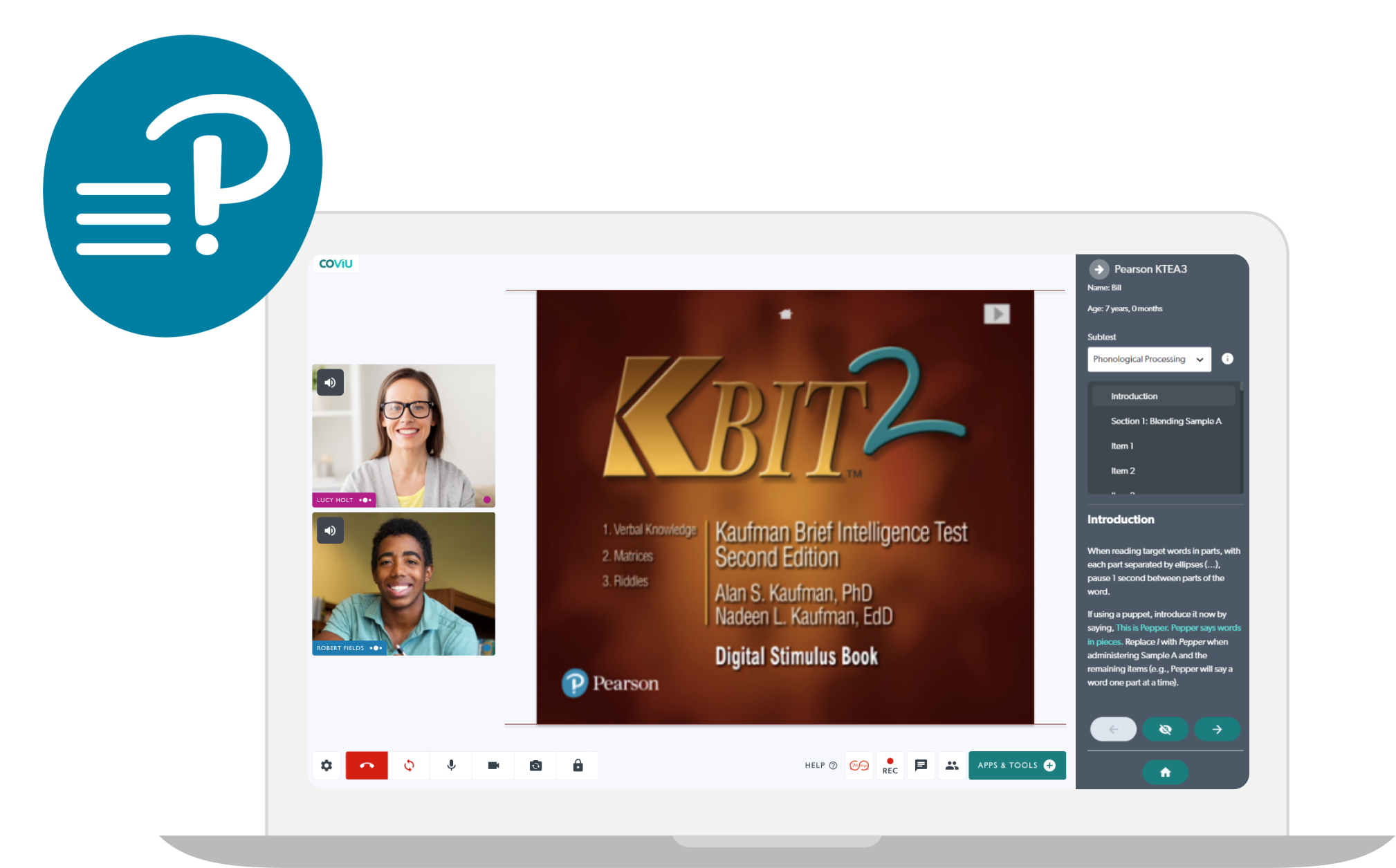
This KBIT-2 provides a brief measure of verbal and nonverbal intelligence used with individuals ages 4 through 90 years.
.png?width=1788&height=982&name=BDI-2%20-%20Laptop%20-%20No%20Circles%20(1).png)
BDI-2
The BDI-2 is a brief, self-report inventory designed to measure the severity of depression symptomatology.
BAI
The BAI is a brief, self report assessment for measuring anxiety severity and level.
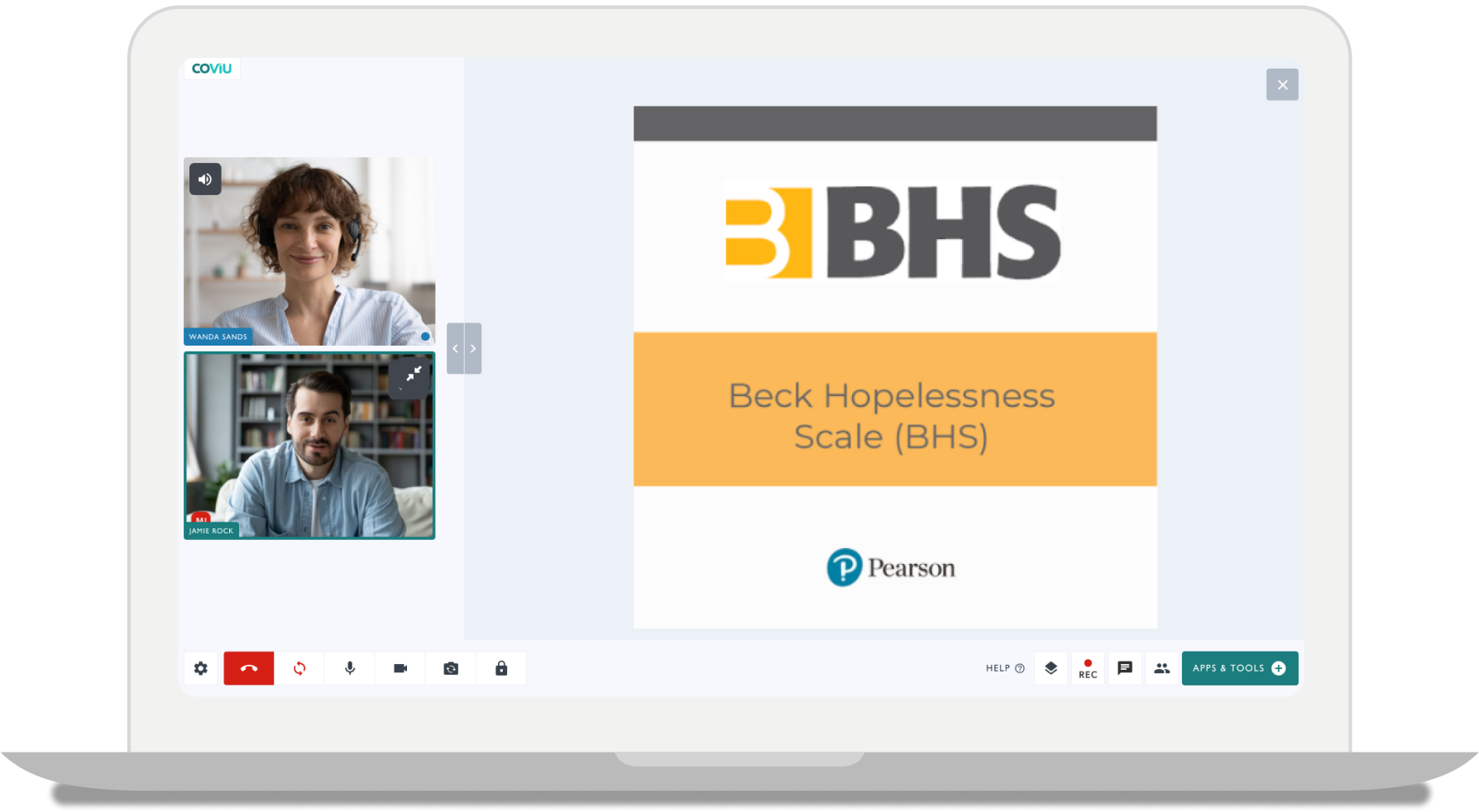
BHS
The BHS evaluates the magnitude of hopelessness in psychiatrically diagnosed patients and assesses hopelessness in the normal population.
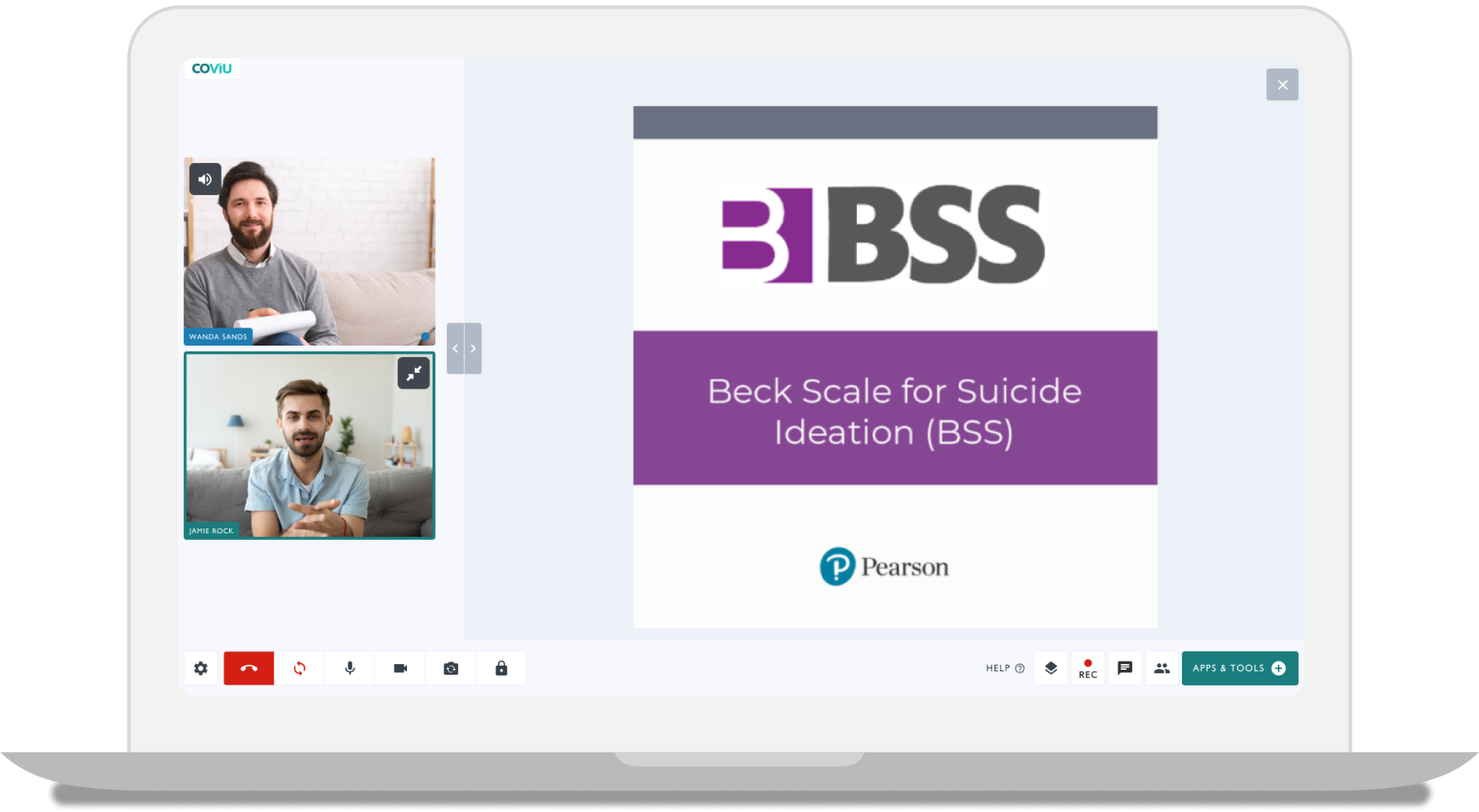
BSS
The BSS is an evaluation of suicidal thinking that helps identify individuals at risk. It also helps measure a broad spectrum of attitudes and behaviours.
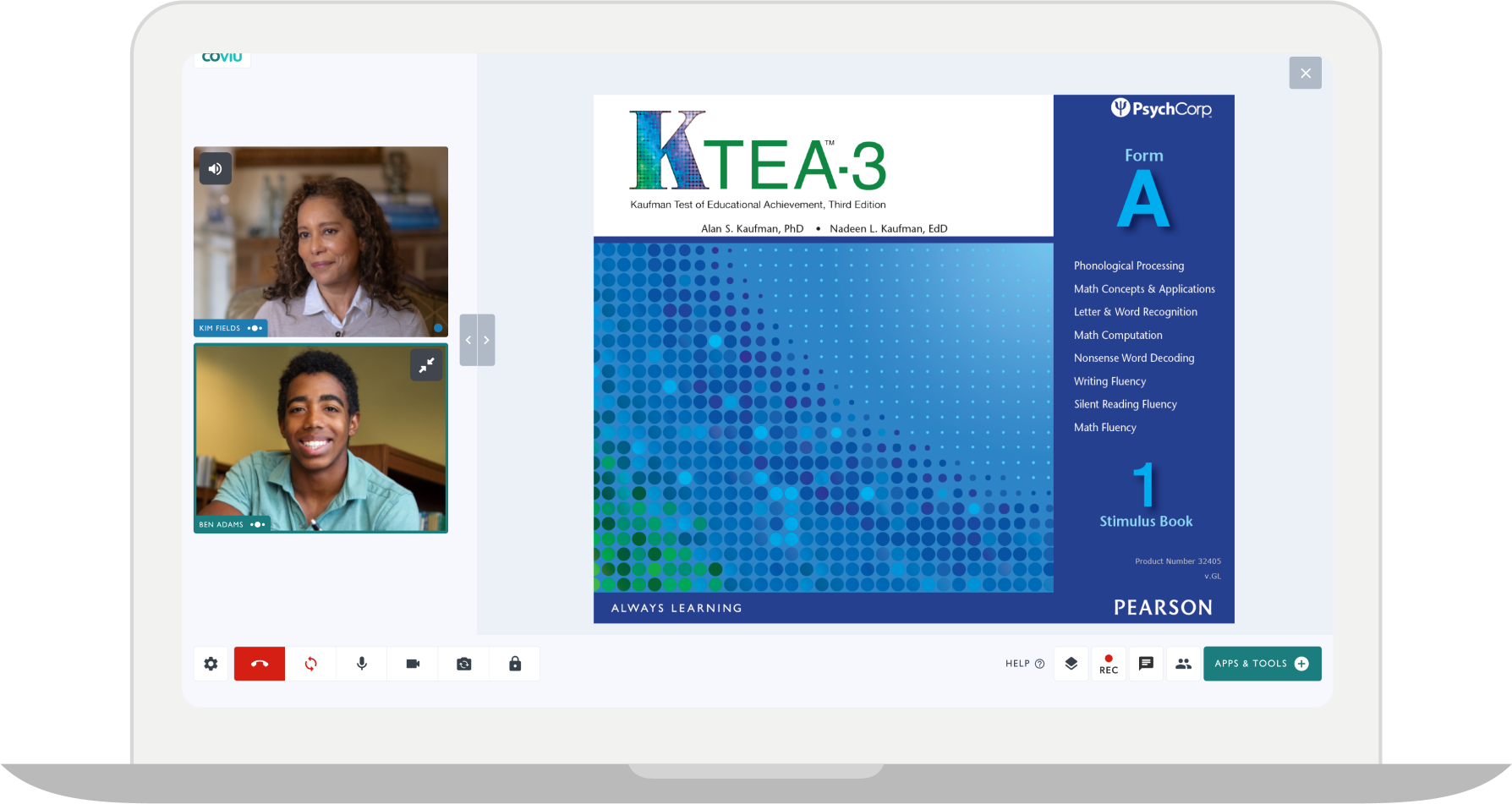
KTEA-3
The KTEA-3 is an individually-administered measure of key academic achievement for children, adolescents and young adults.
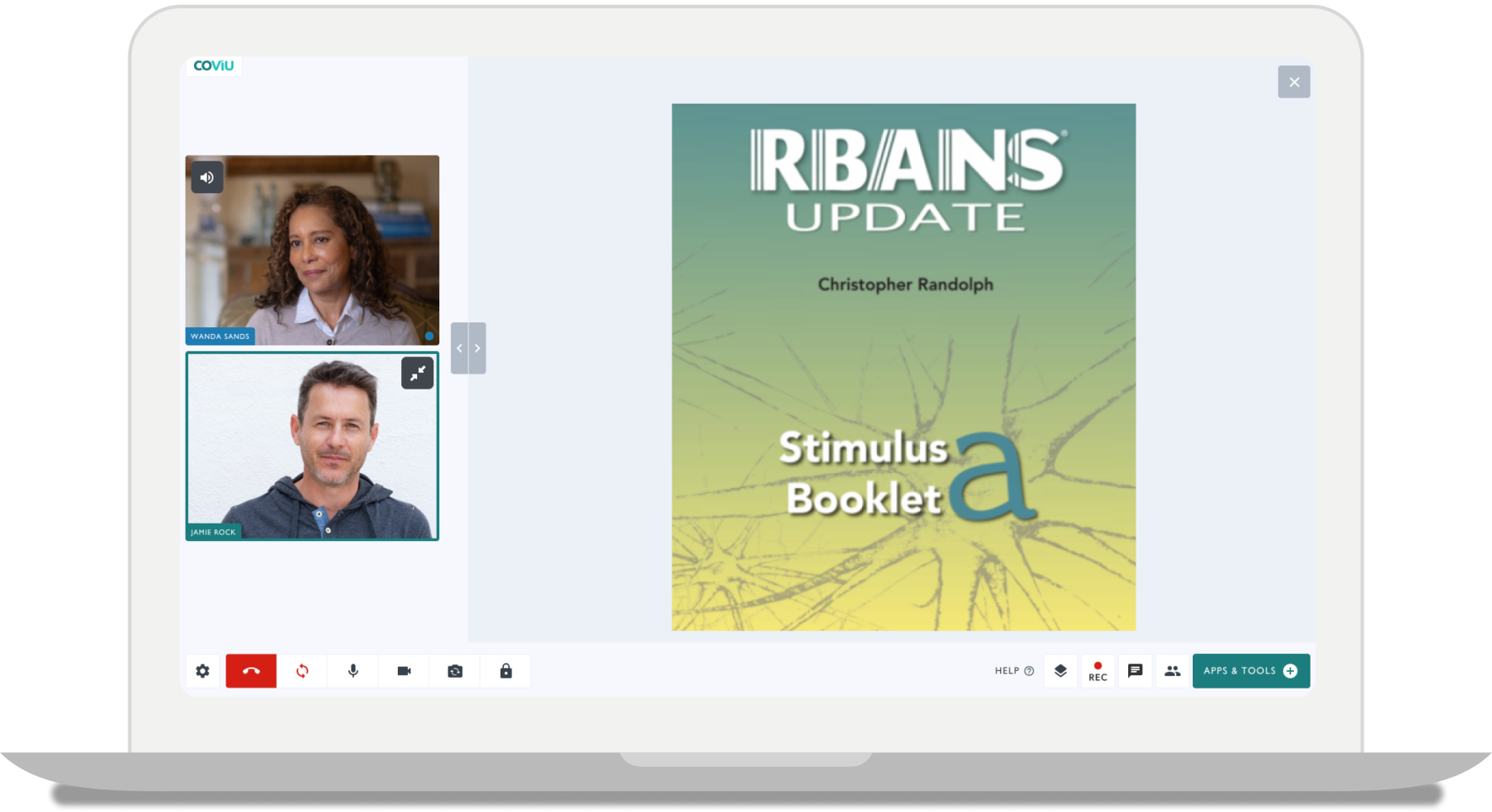
RBANS Update A
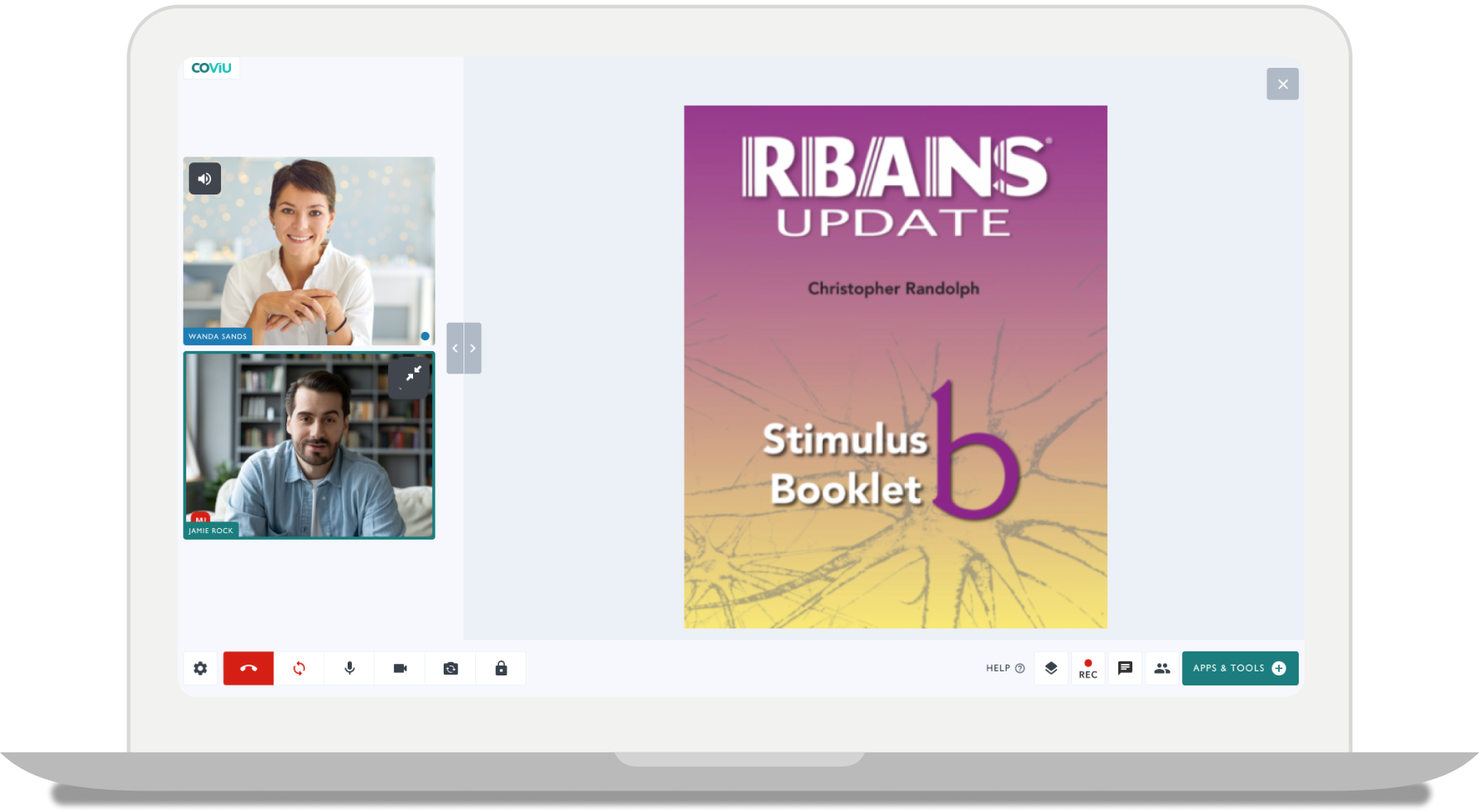
(RBANS® Update) is a brief, individually administered battery to measure cognitive decline or improvement across 5 domains.
RBANS Update B
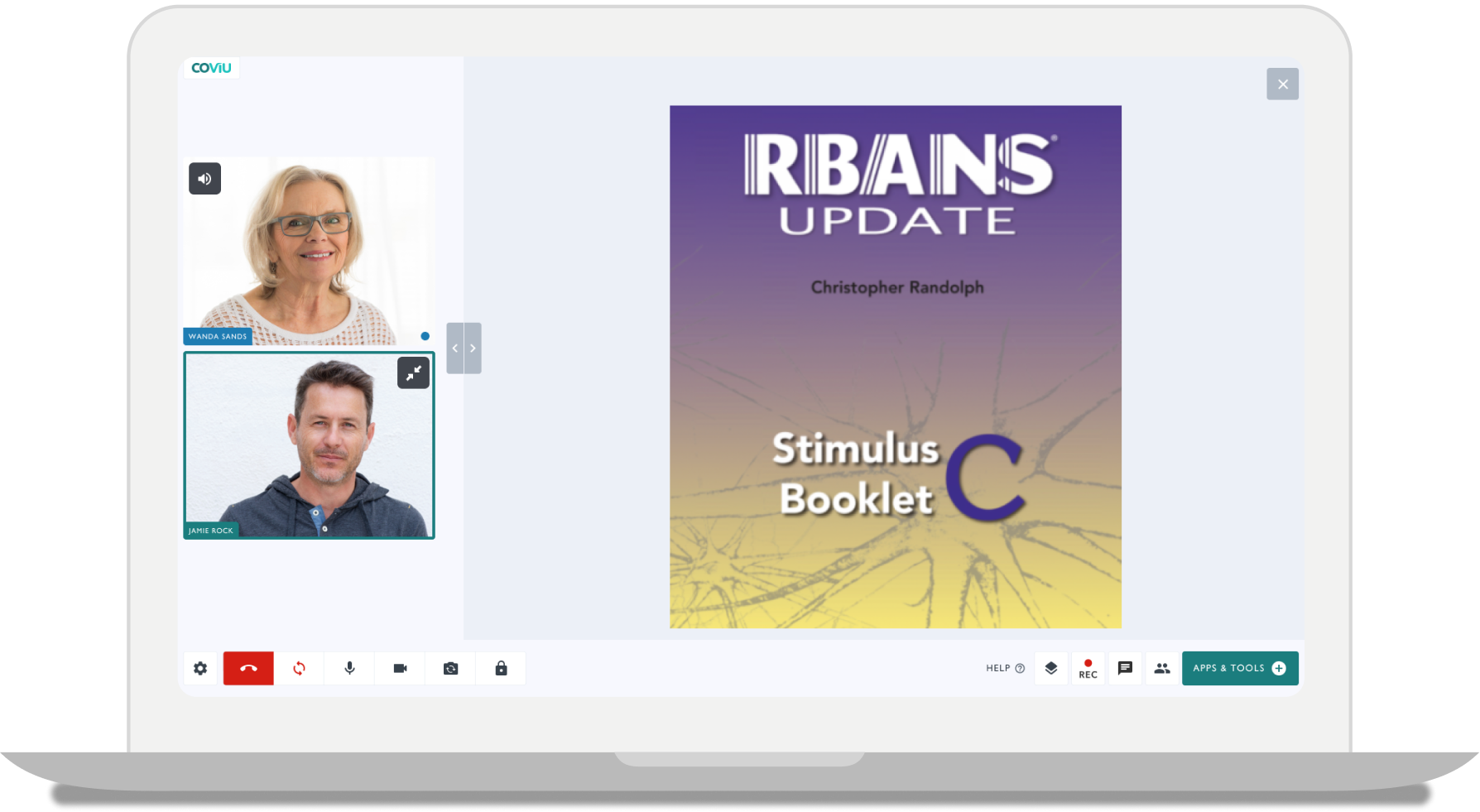
(RBANS® Update) is a brief, individually administered battery to measure cognitive decline or improvement across 5 domains.
RBANS Update C
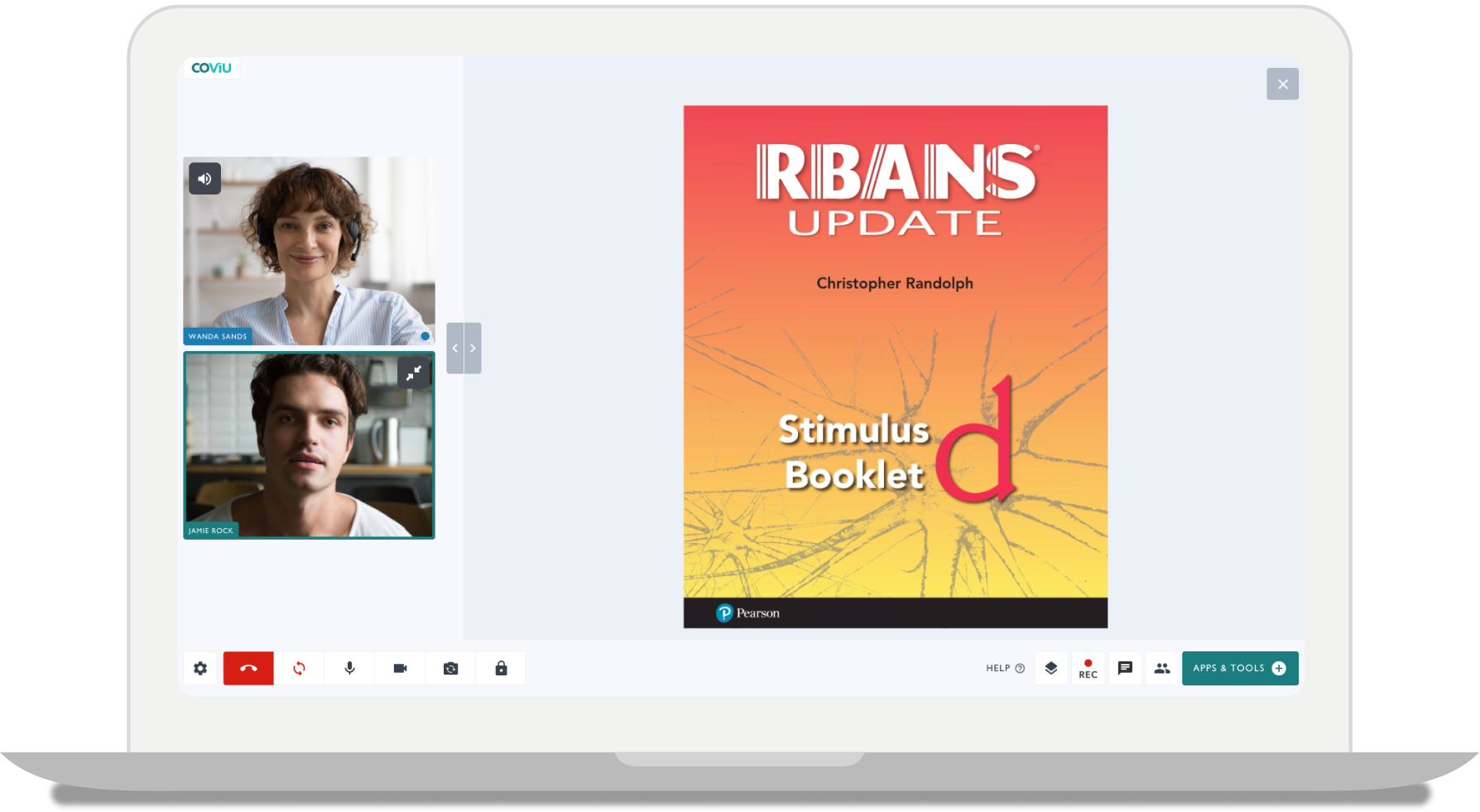
(RBANS® Update) is a brief, individually administered battery to measure cognitive decline or improvement across 5 domains.
RBANS Update D
(RBANS® Update) is a brief, individually administered battery to measure cognitive decline or improvement across 5 domains.
CELF-5
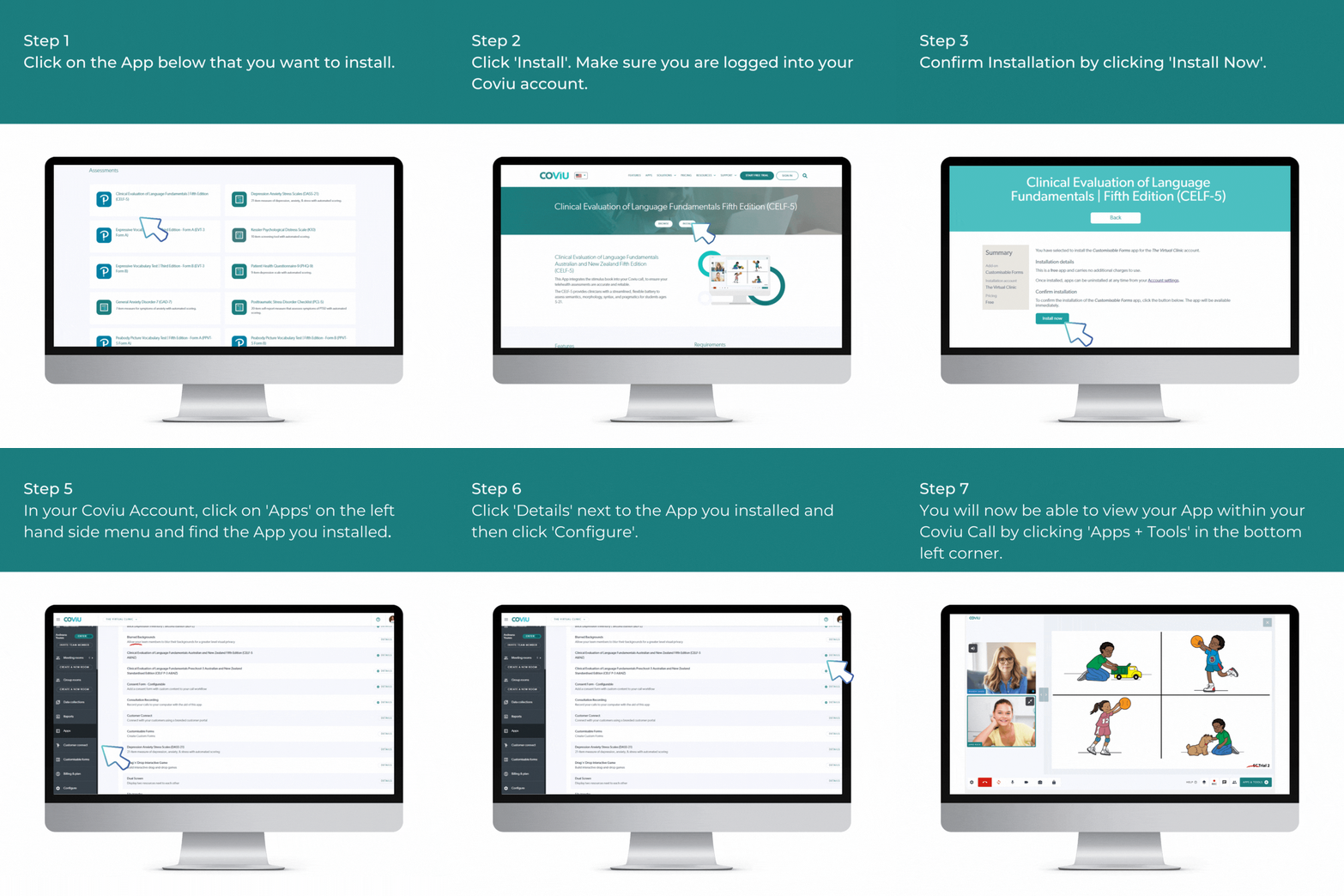
CELF-5 A&NZ helps speech pathologists to conduct language assessments of Australian & New Zealander students.
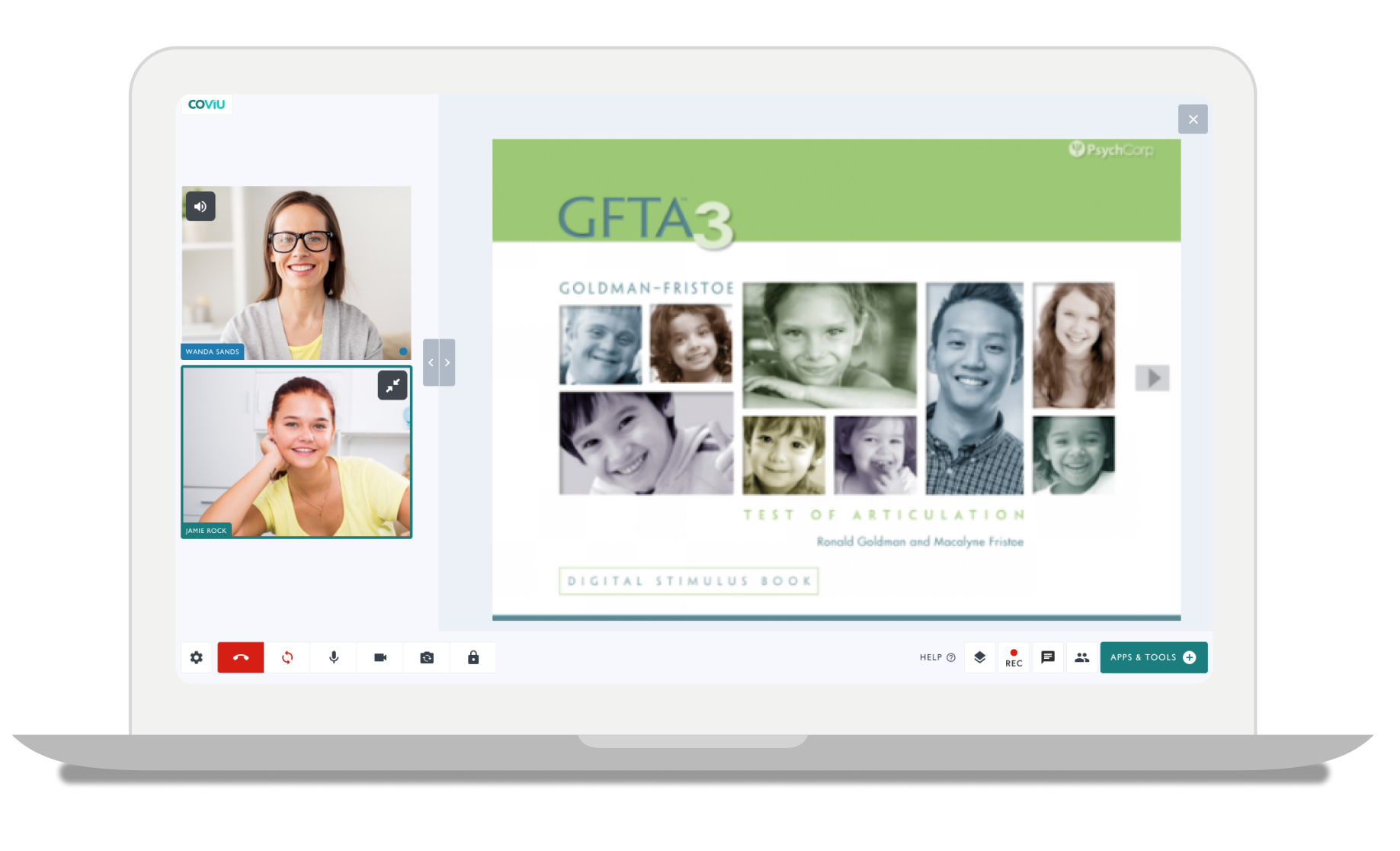
GFTA-3
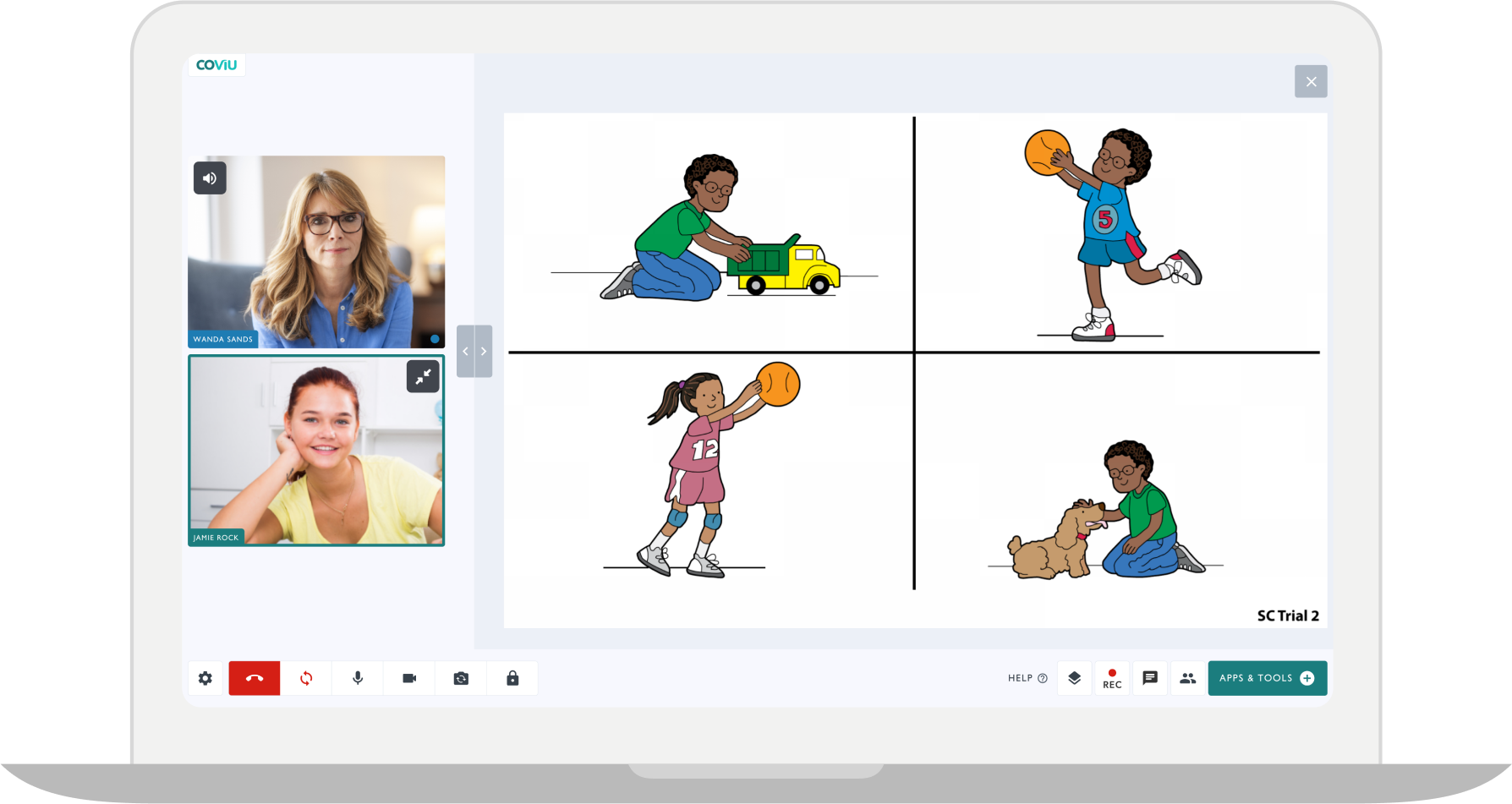
The Goldman-Fristoe Test of Articulation™ 3 (GFTA™-3) measures articulation of consonant sounds.
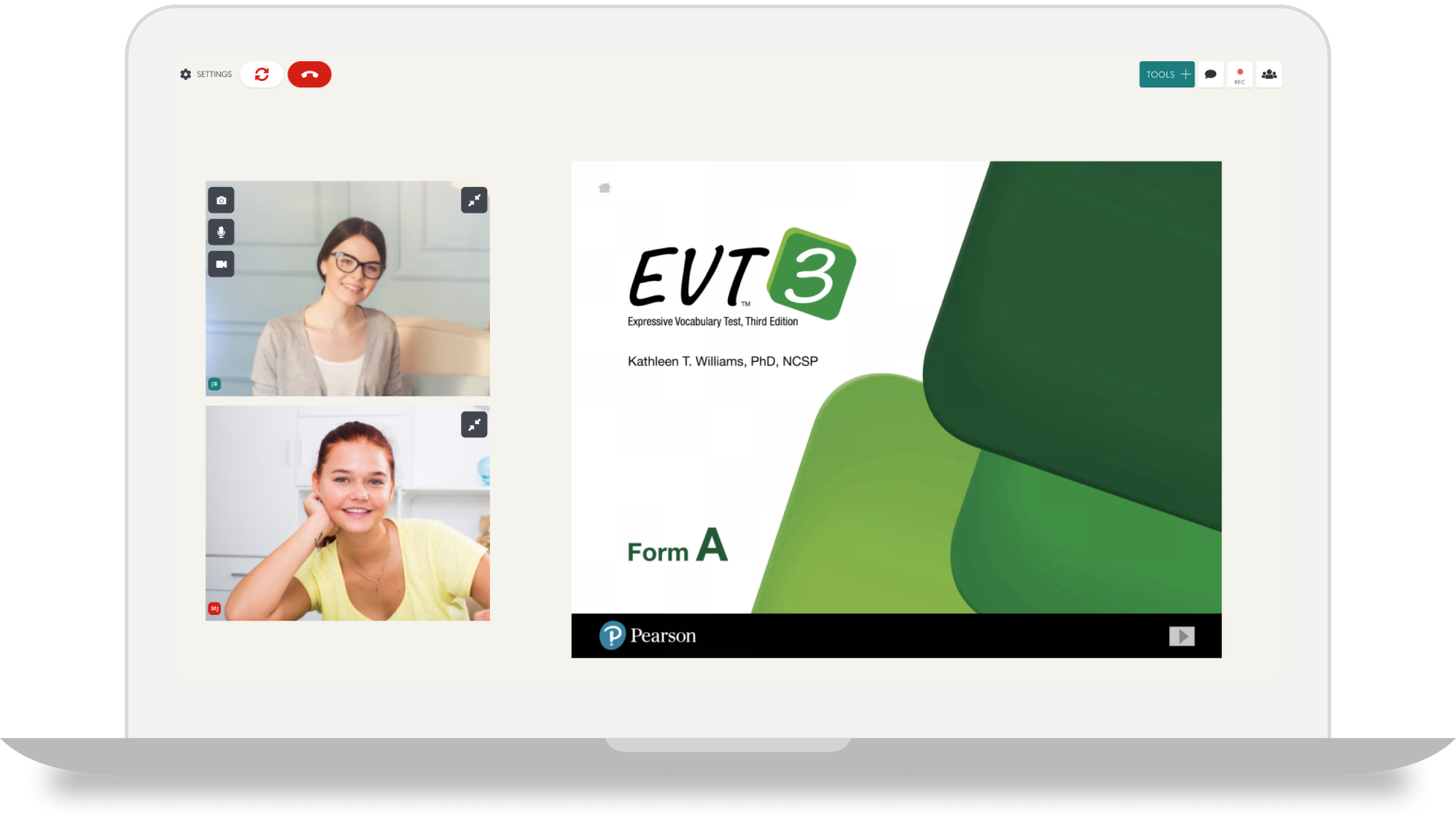
EVT-3 A
Expressive Vocabulary Test Third Edition (EVT-3) is a norm-referenced and individually administered test of expressive vocabulary and word retrieval based on words.
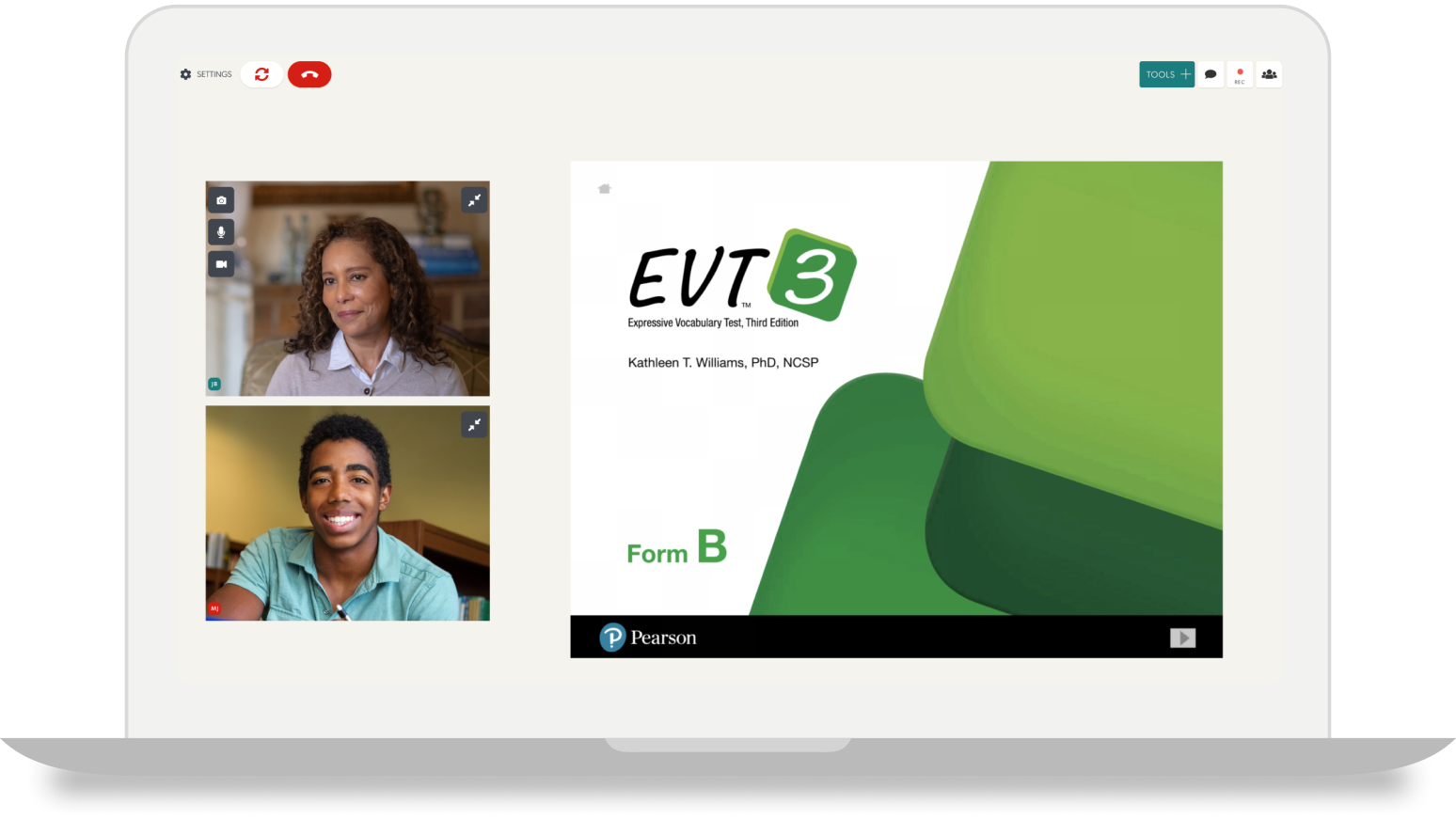
EVT-3 B
Expressive Vocabulary Test Third Edition (EVT-3) is a norm-referenced and individually administered test of expressive vocabulary and word retrieval based on words.
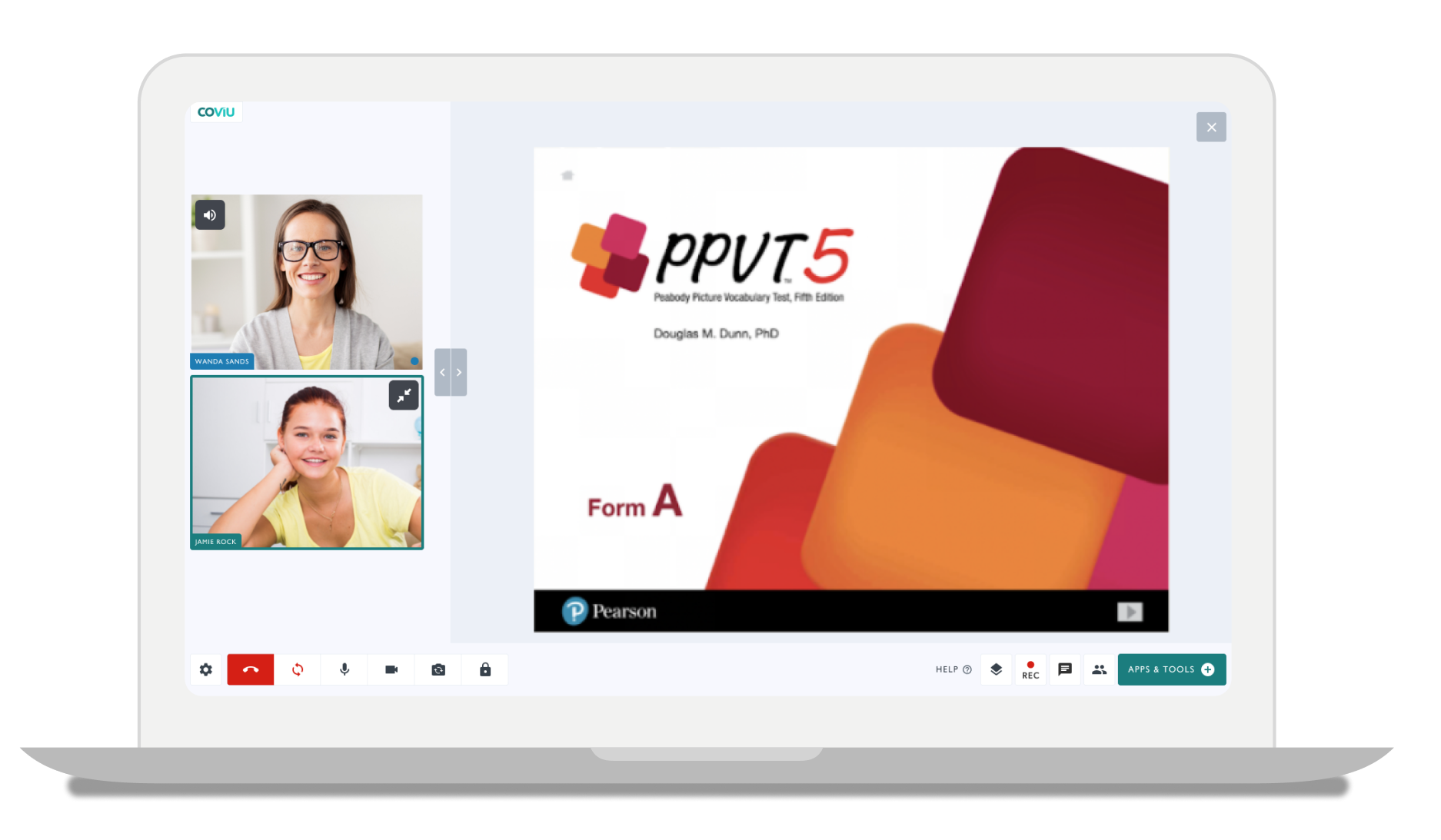
PPVT-5 A
Peabody Picture Vocabulary Test™ Fifth Edition (PPVT™-5) is a norm-referenced and individually administered measure of receptive vocabulary based on words.
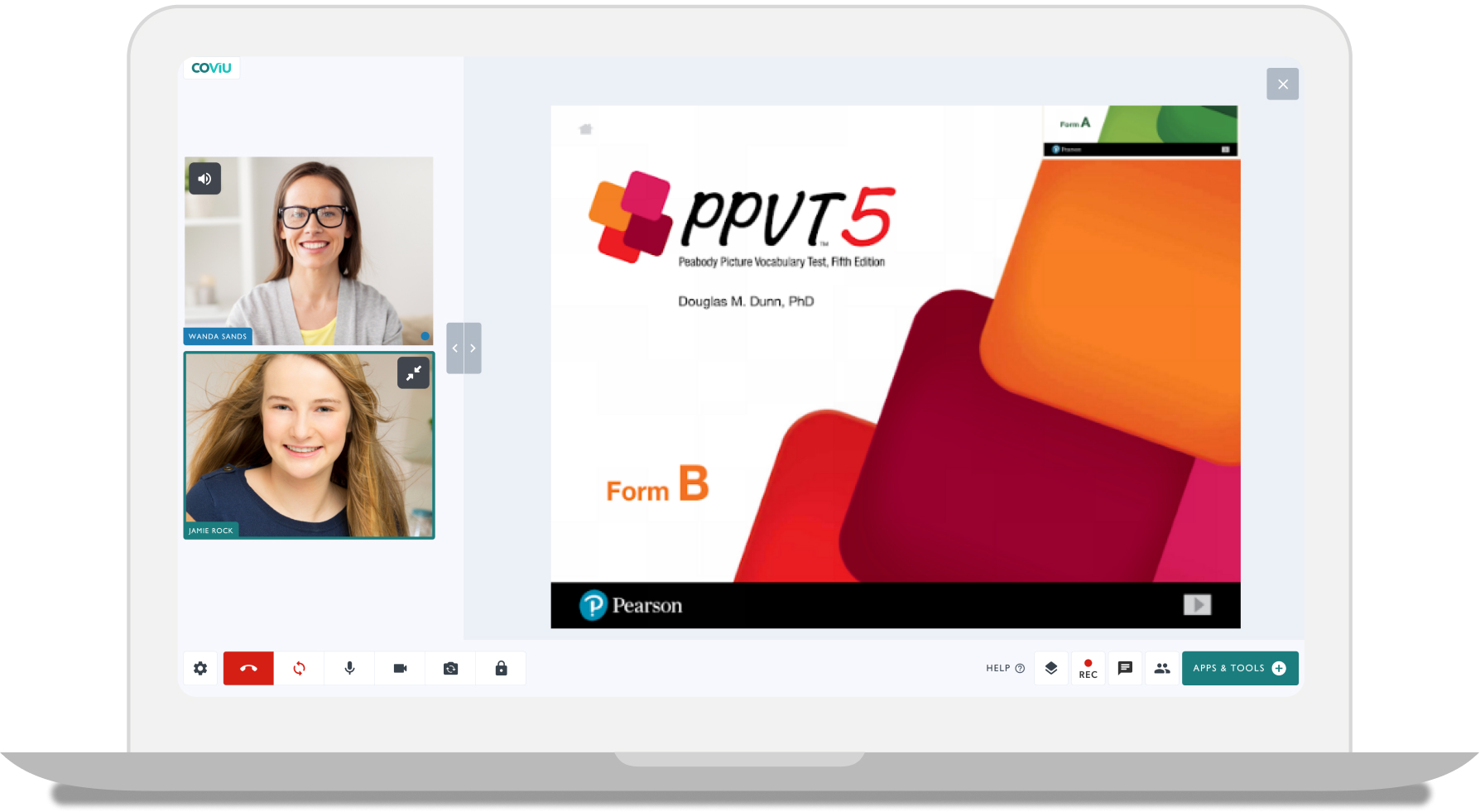
PPVT-5 B
Peabody Picture Vocabulary Test™ Fifth Edition (PPVT™-5) is a norm-referenced and individually administered measure of receptive vocabulary based on words.
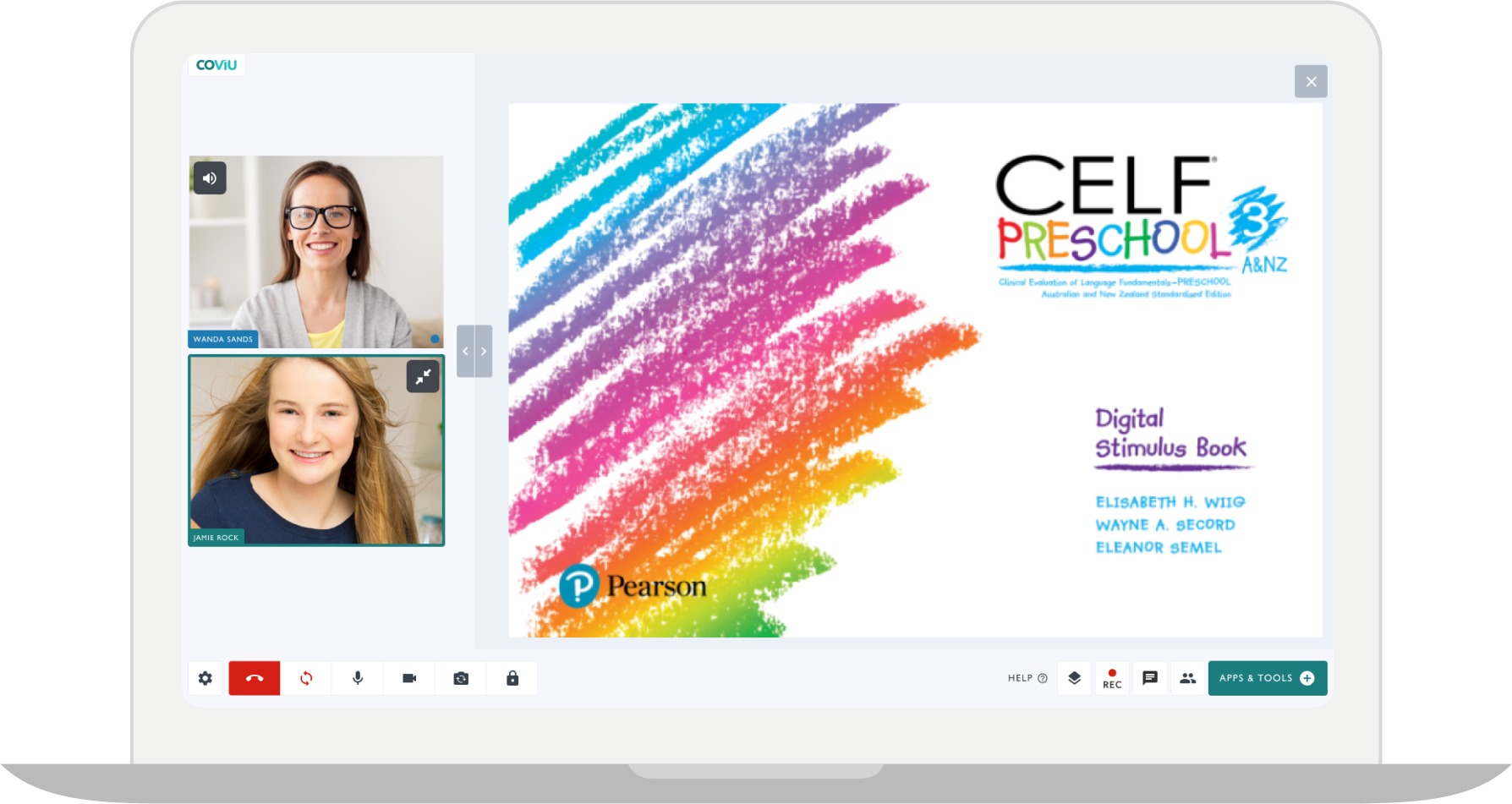
CELF Preschool-3
The CELF Preschool-3 A&NZ is used to assess aspects of language necessary for preschool children to meet the language demands of the classroom.
Digital Administration
Access administration rules, subtest guidance, and scoring support within your consult, alongside Pearson’s digital stimulus materials.
Supported assessments:
KTEA-3
KBIT-2